
💼 Export the SAF-T file
1Where to find it
You can export the SAF-T file from the Overview menu or from Settings. Go to Overview → Export SAF-T, or to Settings (on the left-hand vertical bar) → Export SAF-T.

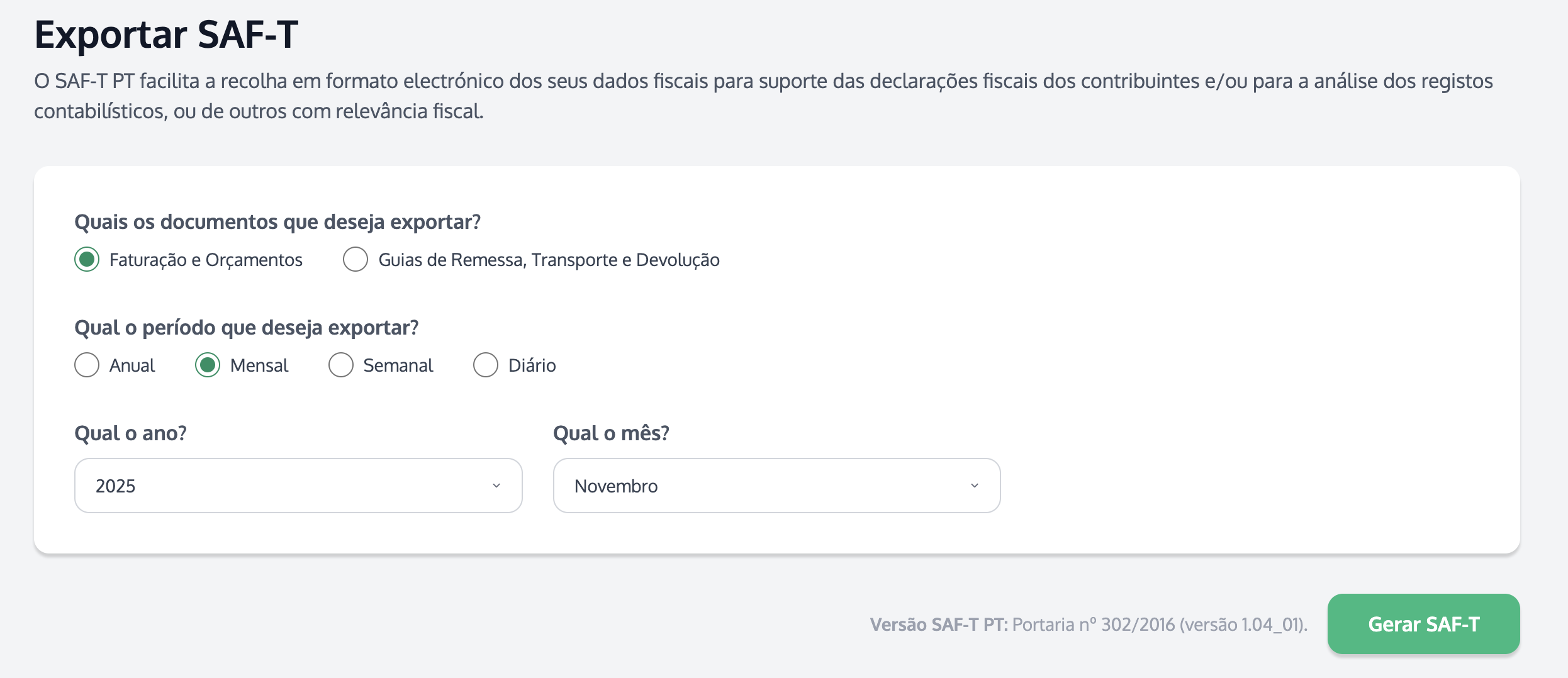
💡 Tip: the file will be sent to the email address that requested the SAF-T export. If you don't see it in your inbox, check your spam/junk folder.
⚠️ Important: if you have more than one InvoiceXpress account, you must export the SAF-T file for each of those accounts.
2How to submit the SAF-T to the Tax Authority
You can find the steps to submit the file on the e-Fatura portal in How to submit the SAF-T file on the Tax Authority website.