
🆕 How to create a new sequence
To create a new Sequence, you just need to:
- Go to Settings (on the vertical bar on the left) > Sequences and ATCUD;
- Click Create New Sequence;
- Choose the name you want for the sequence;
-
Then click Save and Register.
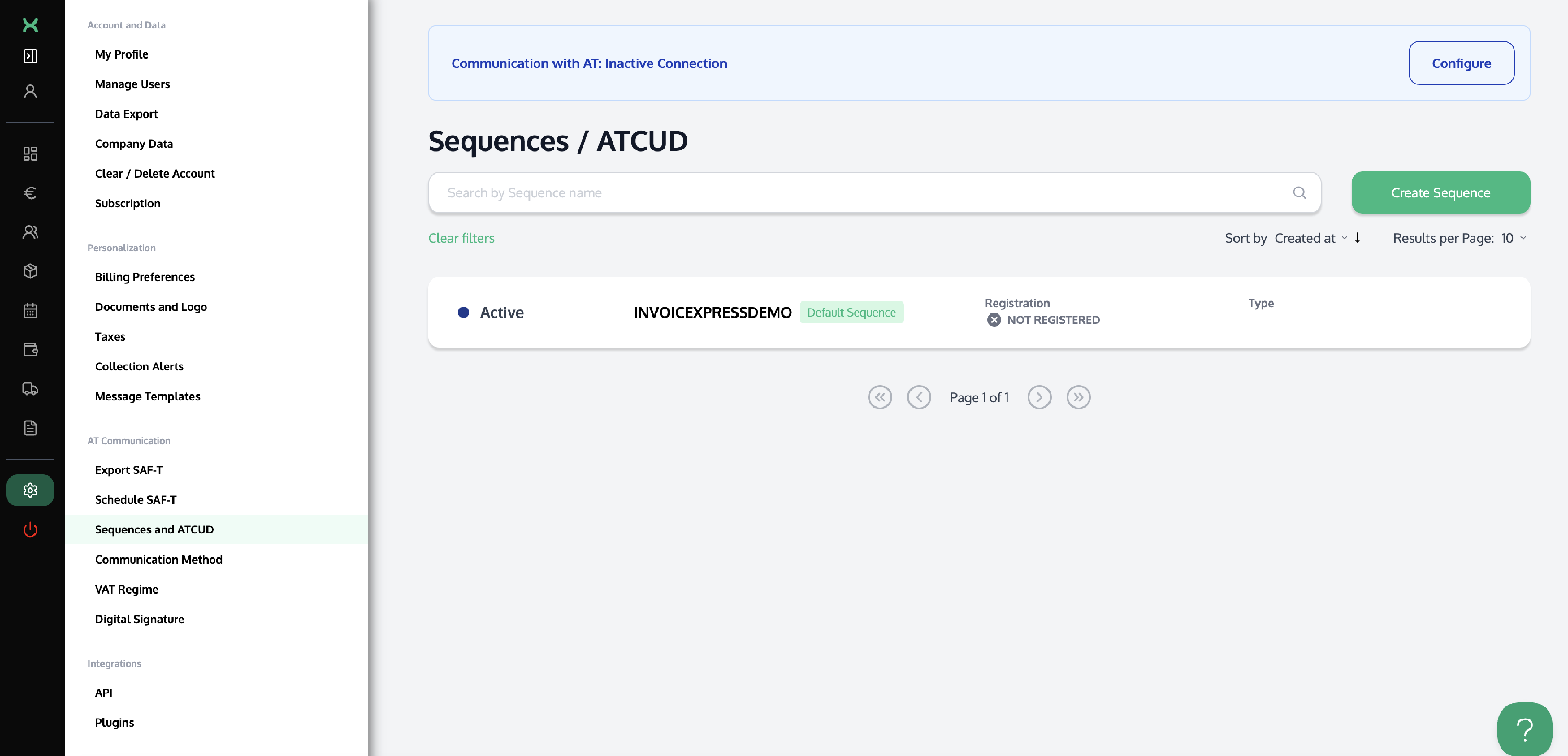
⚠️ You can only create new series once ATCUD is properly configured, meaning that the connection with the Tax Authority is active.
When you create a new sequence, it will automatically be set as the default sequence for creating new documents—except when creating a Credit Note, Debit Note, or Receipt from an invoice in another sequence, as these documents will, by default, be associated with the invoice’s sequence.
You can, however, change the sequence to use at the moment of issuing the document in the corresponding field. If you want to change the default sequence again, simply click on the series line to mark it as pre-selected.
Once finalized, all documents receive a sequential number (e.g., 2020/1). This number provides validity and allows the document to be uniquely identified at any time, as each number within a sequence corresponds to one—and only one—document of that type.