How to schedule the SAF-T to my accountant
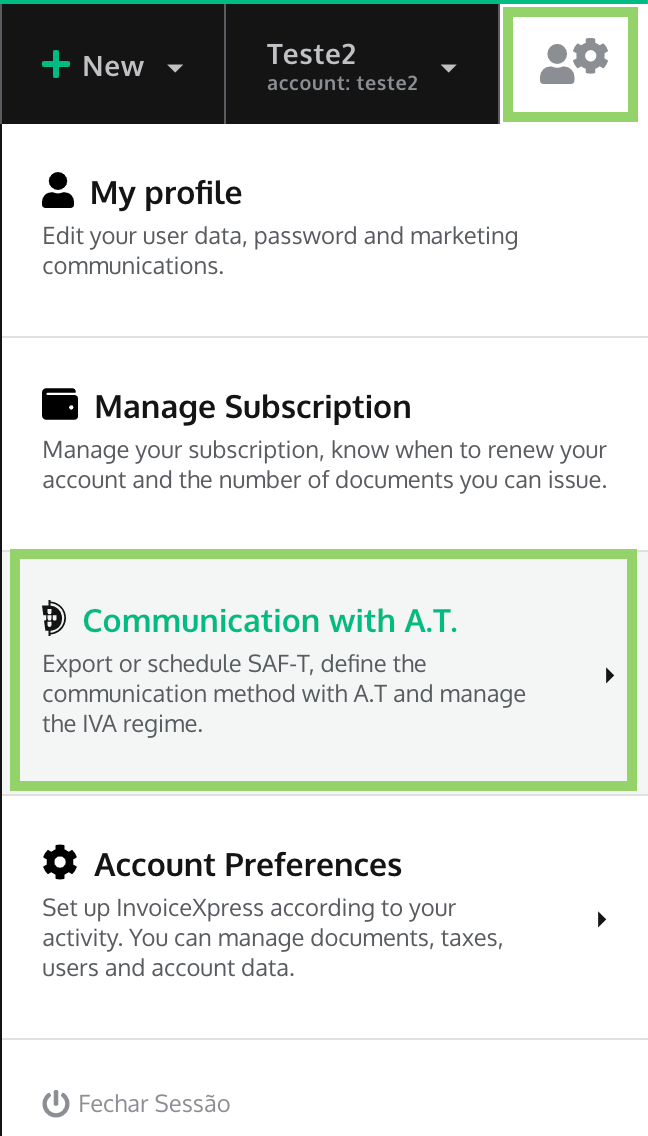
In order to schedule the sending of the SAF-T file to your accountant, just click in Settings > Communication with A.T.:
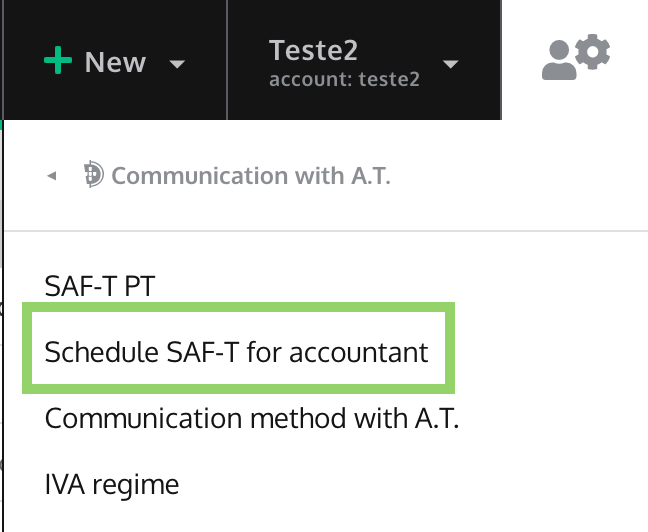
Then, click in Schedule SAF-T for account:
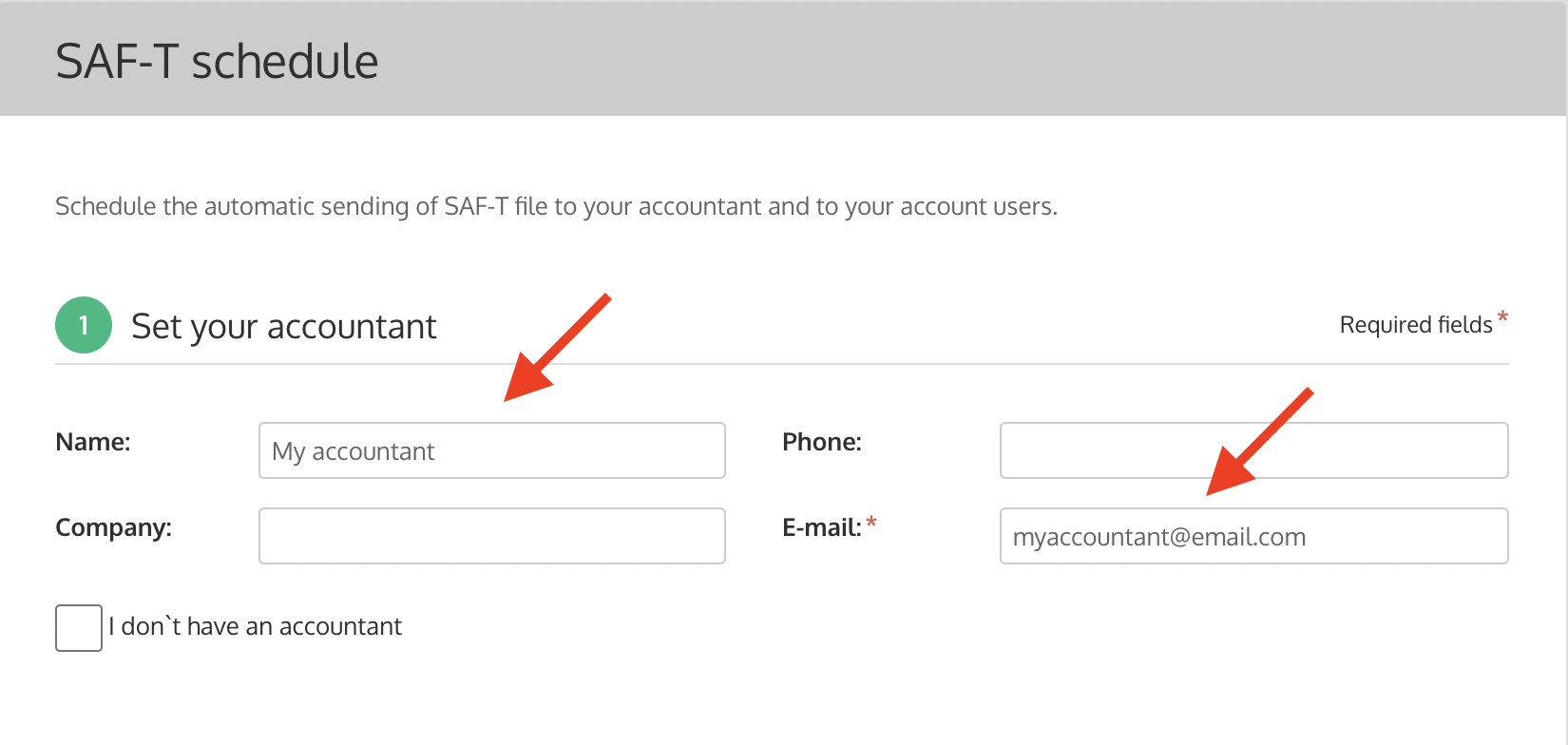
Inside the SAF-T schedule option, you can add the Name and the E-mail of your accountant (but the E-mail field if the only mandatory information that you need to add).
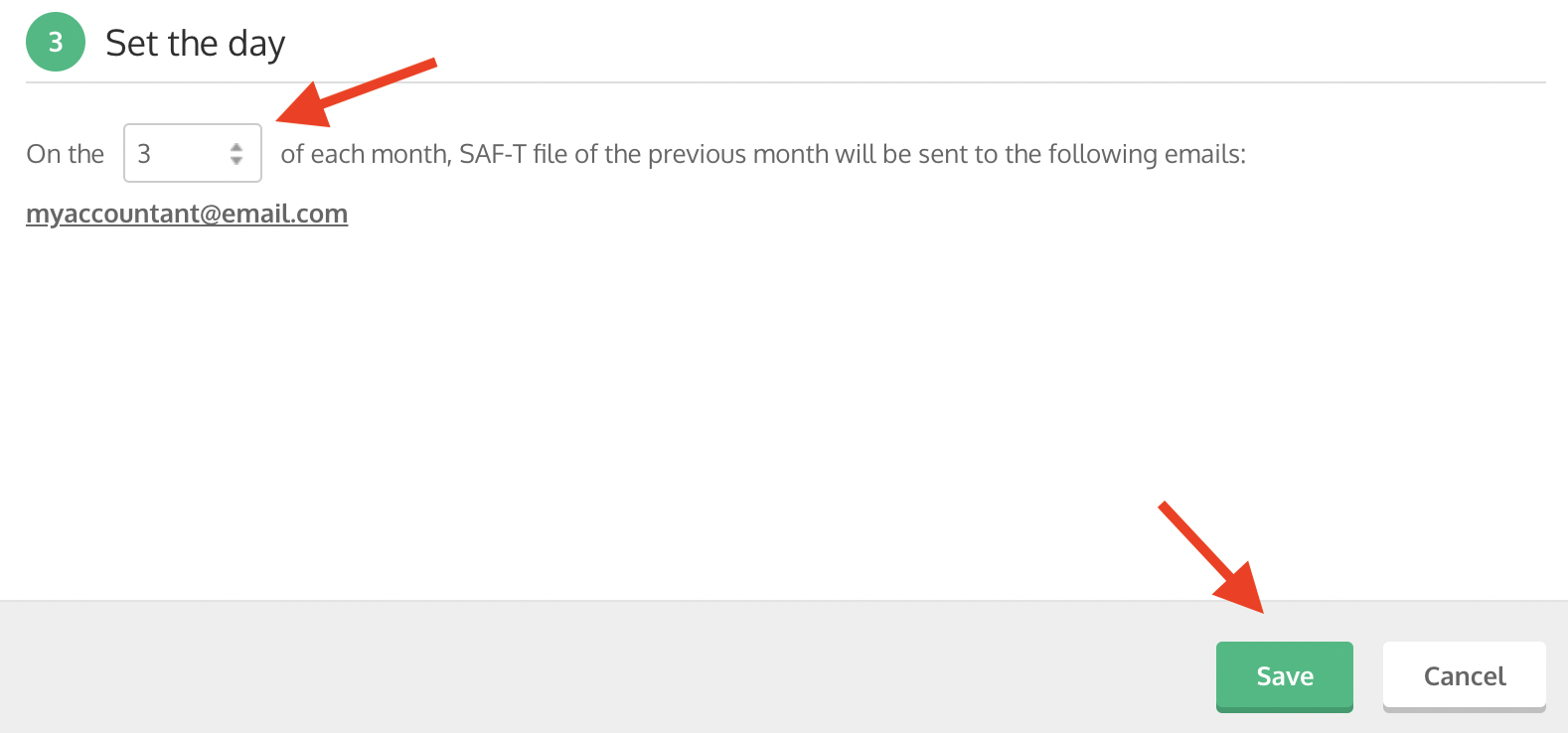
Before saving, set the day for the sending of the SAF-T file to the accountant. We suggest the 3rd of each month.